

When you want to scale your output without filming new content every single day, learning how to chop up long videos into punchy shorts is the most reliable strategy. Instead of letting a 45-minute YouTube video or podcast episode sit idle after its initial launch, you can mine that master file for dozens of bite-sized assets. This guide walks you through a practical, repeatable process for extracting high-impact moments, formatting them for vertical feeds, and publishing them cleanly without burning out.
At CreatePilot, we help solo operators build efficient systems. Relying on automated AI tools alone often leads to awkward sentence breaks and missing context. While AI tools can assist with initial transcriptions, a human review is essential to ensure every clip tells a complete story. Let's look at how to build a production pipeline that treats your long-form archives as a goldmine for short-form growth.
Auditing Your Long-Form Archive for Standalone Moments
The secret to successful clipping is understanding that a short clip must function as a standalone narrative. If a viewer stumbles across your 30-second vertical video, they should not need to watch the original 30-minute source to understand the premise. When you chop up long videos into punchy shorts for social media, your first step is reviewing transcripts rather than scrubbing through timelines.
Open your video transcript or look at your chapter markers. You are hunting for three specific narrative triggers that naturally capture attention within the first three seconds:
- Strong Declarations: Bold statements, contrarian opinions, or definitive answers to common audience questions that challenge conventional wisdom.
- Actionable Frameworks: Step-by-step breakdowns where you explain a distinct method, rule, or shortcut that the viewer can apply immediately.
- Emotional Highs: Surprising realizations, funny tangents, or moments of high energy that evoke curiosity or amusement.
Avoid clips that rely heavily on prior context or inside jokes established earlier in the conversation. For example, if minute 12 of your video starts with "As I mentioned earlier..." that clip will fail on a fresh discovery feed. Look for clean entry points where the speaker introduces a fresh thought, directly addresses an audience pain point, or answers a specific query without requiring backtracking.
When evaluating your archives, keep a dedicated spreadsheet or document to log these timestamps. Note the start time, end time, topic summary, and estimated run time. This preliminary audit saves hours of frustration later because you can review all your potential clip ideas in one sitting before touching your editing software.
Furthermore, consider organizing your timestamps by thematic categories such as mindset shifts, technical how-tos, or controversial industry opinions. This allows you to plan thematic posting weeks where every short released over a seven-day period reinforces a specific sub-topic of your core expertise. By approaching your archive with a structural mindset, you transform random video highlights into a cohesive content marketing engine.

Building a Practical Editing Pipeline
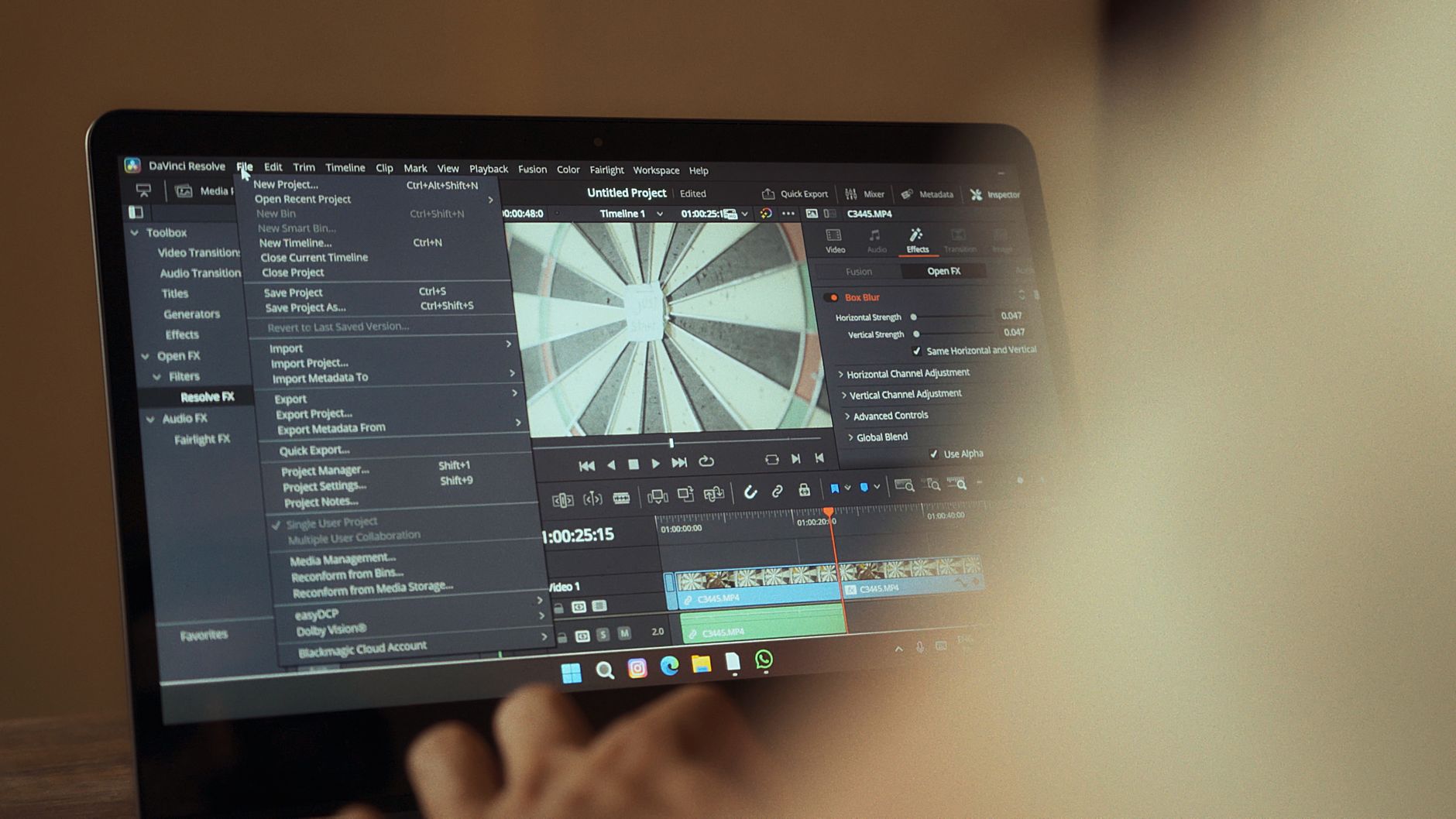
Once you identify your timestamps, you need a streamlined workflow to process them. Jumping back and forth between your archive and your editing timeline wastes valuable time and creative energy. Use this systematic approach to process your source files efficiently:
- Batch Extraction: Mark all potential clip start and end points in your transcript first. Aim to find 5 to 10 candidates per long-form video to give yourself plenty of options during the final selection phase.
- Rough Assembly: Export those specific audio-video ranges into a dedicated project folder. Keep your file naming convention clean and descriptive (e.g.,
SourceTitle_Clip01_Topic.mp4). - Vertical Framing: Reframe the horizontal footage to 9:16. If your speaker moves around, set up keyframes to keep them centered, or use your editing software's auto-reframing feature—followed by a careful human review to check for awkward framing or cut-off heads.
- Hook Optimization: Trim the first two seconds. In vertical feeds, dead air, throat-clearing, or introductory fluff kills retention instantly. Start right on the second or third word of an impactful sentence to pull viewers straight into the action.
- Dynamic Captioning: Add burned-in captions that highlight spoken keywords. This caters to viewers who watch videos with the sound off while keeping visual engagement high.
If you need help organizing your production schedule around these repetitive clipping sessions, you can use the Blog Outline Generator tool on CreatePilot to map out your weekly editing batches and maintain a consistent posting cadence.
To make this editing pipeline sustainable, establish dedicated production blocks in your calendar. Instead of trying to edit one short every single day—which shatters your focus and drains creative energy—dedicate one afternoon a week solely to clipping. Process four or five long-form source videos in a single batch. By grouping similar tasks together, you enter a state of deep work where cutting clips, adding captions, and adjusting colors becomes second nature. This batch-processing method easily triples your hourly output compared to sporadic, ad-hoc editing.
A Realistic Example: Turning a Tutorial Into Five Clips
Imagine you published a 20-minute tutorial on how to set up home studio lighting. If you simply chop up long videos into punchy shorts without a plan, you might end up with random snippets of you adjusting a lightstand, which will not hold an audience's interest on a fast-paced vertical feed.
Instead, look at the logical, modular components of that tutorial and design each short around a single clear takeaway:
- Clip 1 (The Hook): A 25-second segment where you explain why most beginner lighting looks flat and how a simple key light instantly fixes the problem.
- Clip 2 (The Core Tip): A 35-second breakdown of the three-point lighting setup, explaining fill and backlight in plain English without overly technical jargon.
- Clip 3 (The Budget Hack): A 20-second segment where you show how to use an ordinary household desk lamp as a makeshift rim light to save money.
- Clip 4 (The Mistake): A 30-second warning about placing lights too close to the subject's face, explaining how it causes harsh shadows.
- Clip 5 (The Gear Summary): A 15-second rapid-fire recommendation on entry-level softboxes for creators starting on a strict budget.
Each of these clips addresses a single, specific pain point for your target audience, making them highly shareable, saveable, and effective across multiple social platforms.
Expanding on this modular approach, you can also test different variations of the same core clip by swapping out the opening hook. For instance, Clip 1 could be tested with a controversial opening statement on one platform and a direct question on another. Tracking which introductory hook retains viewers past the three-second mark provides invaluable data for future long-form video introductions, bridging the gap between your short-form distribution and master content creation.
Checklist: Ready-to-Publish Short Clip Review
Before you hit export or schedule your vertical uploads, run through this comprehensive quality-control checklist to protect your channel's reputation and maximize viewer retention:
- [ ] Does the clip make complete sense without watching the source video?
- [ ] Did you cut out dead air, filler words, and pauses at the very beginning of the clip?
- [ ] Is the vertical framing centered correctly on the active speaker or demonstration area?
- [ ] Are the auto-generated captions proofread and free of embarrassing spelling errors or misinterpretations?
- [ ] Does the on-screen text or title give immediate context to the viewer within the first two seconds?
- [ ] Is your audio normalized, clear, and free from harsh clipping or abrupt sentence cuts?
- [ ] Have you checked that the video resolution and bitrate meet the platform requirements for optimal compression?
- [ ] Is the call to action (if any) natural and non-intrusive?
Running through this checklist consistently eliminates amateur mistakes that signal low effort to algorithmic recommendation systems. High-retention short-form content requires strict quality control, especially regarding audio clarity and text legibility on small mobile screens.
Common Mistakes to Avoid
Creators often rush the repurposing process in an effort to save time, leading to low view counts and frustrated viewers. Watch out for these frequent pitfalls when building your short-form library:
- Failing to Check Captions: Automated transcription tools frequently misspell niche terminology, creator names, or technical words. Always review your text layers manually before publishing to maintain professional standards.
- Abrupt Audio Cuts: Cutting off mid-syllable or starting a sentence halfway through a breath sounds jarring to the listener. Always add a tiny audio fade or trim your clips to natural punctuation marks.
- Ignoring Platform Context: Dumping raw, unedited horizontal clips with massive black bars on top and bottom signals low effort. Take the time to zoom, crop, or dynamically reframe the footage.
- Over-Editing with Distractions: Adding too many sound effects, flashing emojis, and rapid zoom cuts can overwhelm viewers and induce eye strain. Keep visual effects purposeful and supportive of the core narrative.
- Inconsistent Branding: Forgetting to use consistent font styles, brand colors, or watermarks makes it harder for viewers to recognize your content as it circulates across feeds.
Another subtle mistake is neglecting the safe zones of vertical video apps. Essential elements like your burned-in captions, on-screen titles, and visual graphics should never be placed near the bottom where platform UI overlays—such as creator handles, audio track icons, like buttons, and comment drawers—obscure your hard work. Always leave at least 150 pixels of clear space at the bottom and right edges of your vertical canvas.
Frequently Asked Questions
How long should a repurposed short video be?
Most high-performing vertical clips range between 20 and 45 seconds. The ideal length is simply however long it takes to deliver one complete thought, insight, or tip without fluff. Never stretch a 15-second point into 60 seconds just to hit a platform time limit.
Should I post all clips from one long video on the same day?
No. Stagger your uploads across several days or even weeks. Flooding your feed with multiple clips from the same source video on the same day can confuse your audience, saturate your subscribers' feeds, and trigger platform spam or low-engagement filters.
Do I need specialized software to reframe horizontal video?
While dedicated AI re-framing tools can speed up the initial process, any standard video editor with keyframe animation allows you to crop 16:9 footage into 9:16 vertical video manually. Human oversight remains critical to ensure the active subject stays in frame during dynamic movements and gestures.
How do I write titles for clips taken from a larger video?
Write titles that highlight the specific curiosity gap, emotional hook, or value proposition of that individual clip, rather than treating it as a generic segment or "Part 3" of your long-form video. Viewers on short-form feeds want immediate clarity on why they should stop scrolling.
Can I reuse the exact same clip across TikTok, Instagram Reels, and YouTube Shorts?
Yes, absolutely. Most creators cross-pollinate their short-form content across all three major vertical platforms. Just be sure to remove any platform-specific watermarks before uploading, and adjust your posting times to match when your audience is most active on each specific network.
How can I drive traffic from my shorts back to the full-length video?
You can use platform features like pinned comments, end screens, and related video links (where available) to point interested viewers back to the source video. Additionally, mention in your short that the full breakdown is available on your channel, providing a clear pathway for dedicated followers to dive deeper into your educational content.
Conclusion
Repurposing your archive is one of the most sustainable ways to maintain a consistent publishing schedule without working around the clock. By selecting self-contained moments, reframing with care, and reviewing your automated outputs before hitting publish, you can easily chop up long videos into punchy shorts that expand your reach, drive traffic back to your primary channel, and build loyal audiences across multiple platforms over the long term. Start with your most recent long-form video today, apply the batch extraction framework, and watch your short-form footprint grow.
Found this guide useful? Support more free creator tools.
Buy Me a Coffee
Comments
Post a Comment